Master Apple’s Native Tools.
Step by Step.


Who This Is For
Built for creators, founders, and anyone ready to simplify.
If you want to focus on your work instead of learning another complex app, these courses are for you. No extra subscriptions, no fluff — just the tools that already live on your device.

Apple Reminders
Master Apple Reminders from simple lists to advanced workflows. Learn how to organize, automate, and track everything — natively.
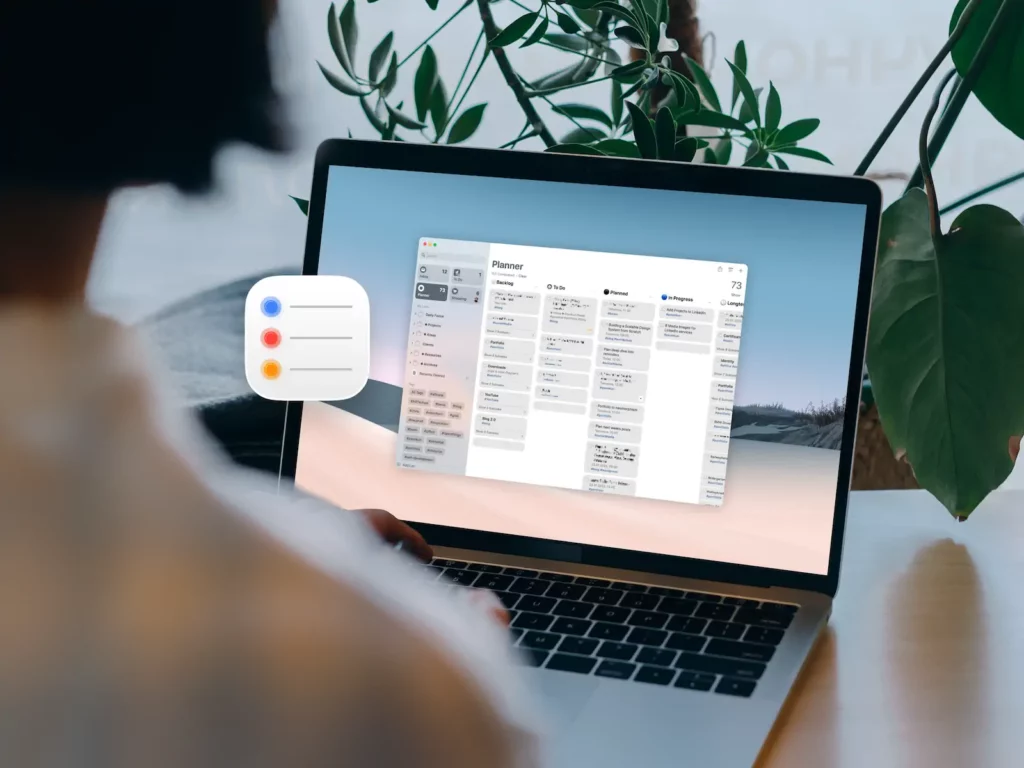
Guide
Mastering Apple Reminders: The Ultimate Productivity Guide
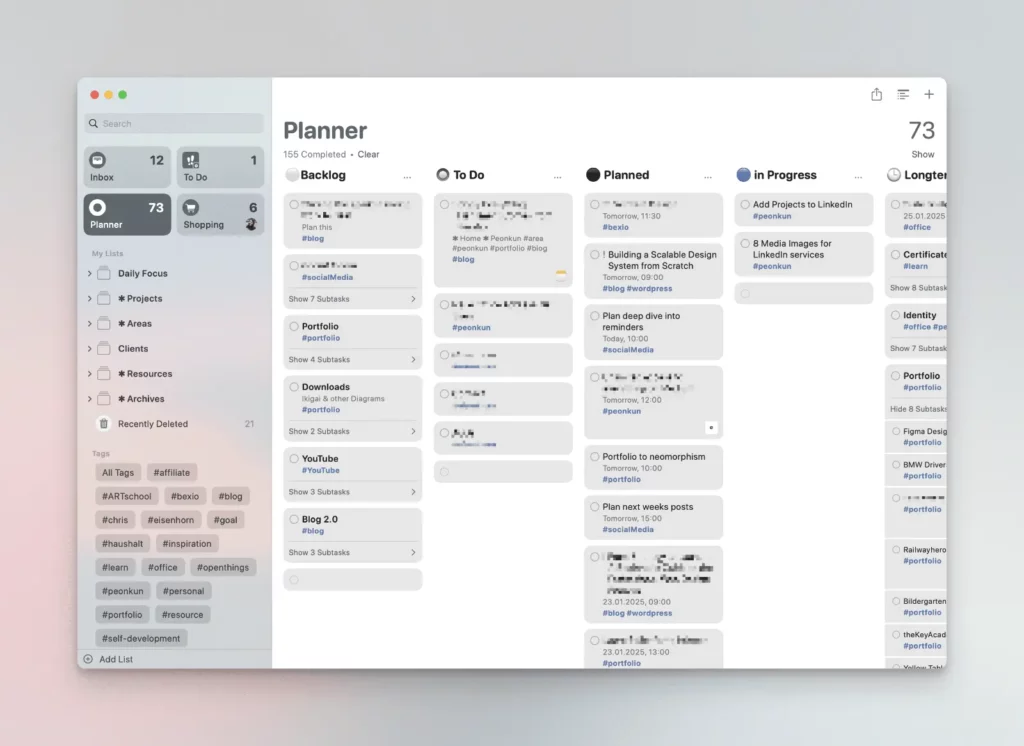
Threads
Here’s a quick glimpse into my Apple Reminders setup
Apple Notes
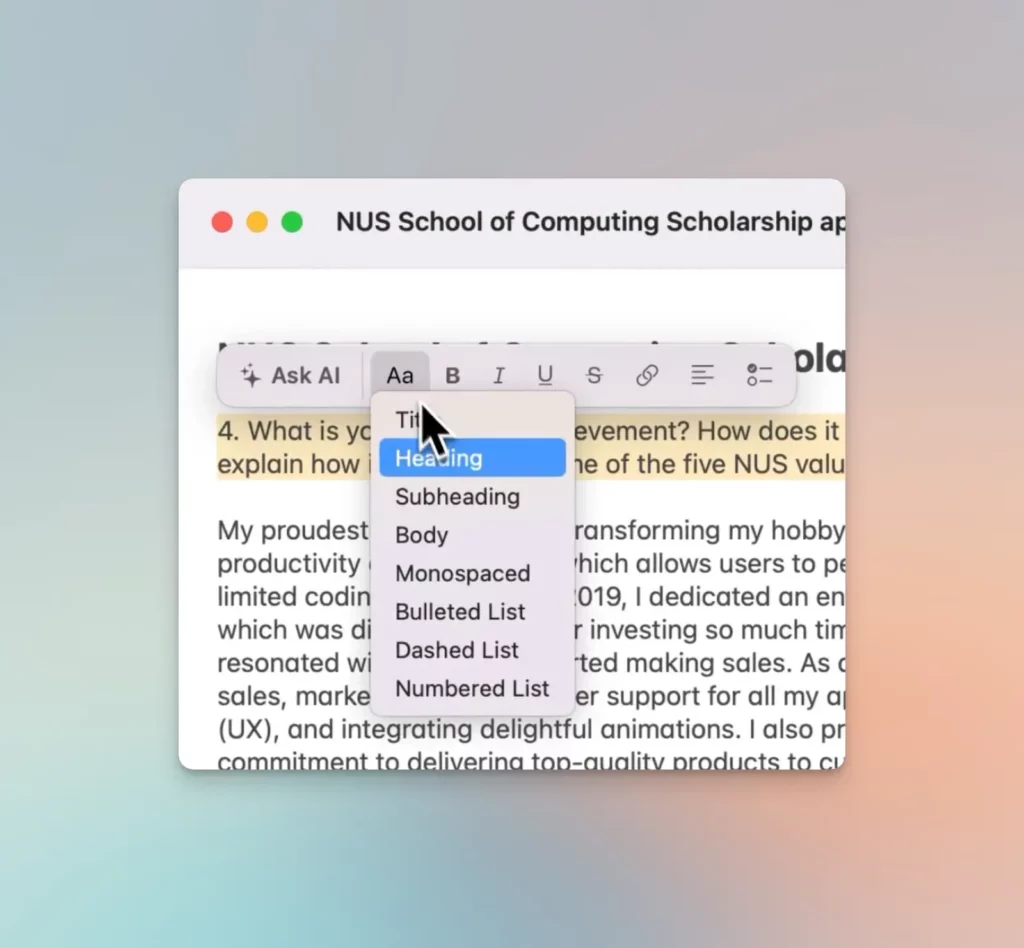
Unlock the full power of Apple Notes. Structure your ideas, collaborate with ease, and build your own “Forever Notes” system.

Guide
Mastering Apple Notes: The Ultimate Productivity Guide
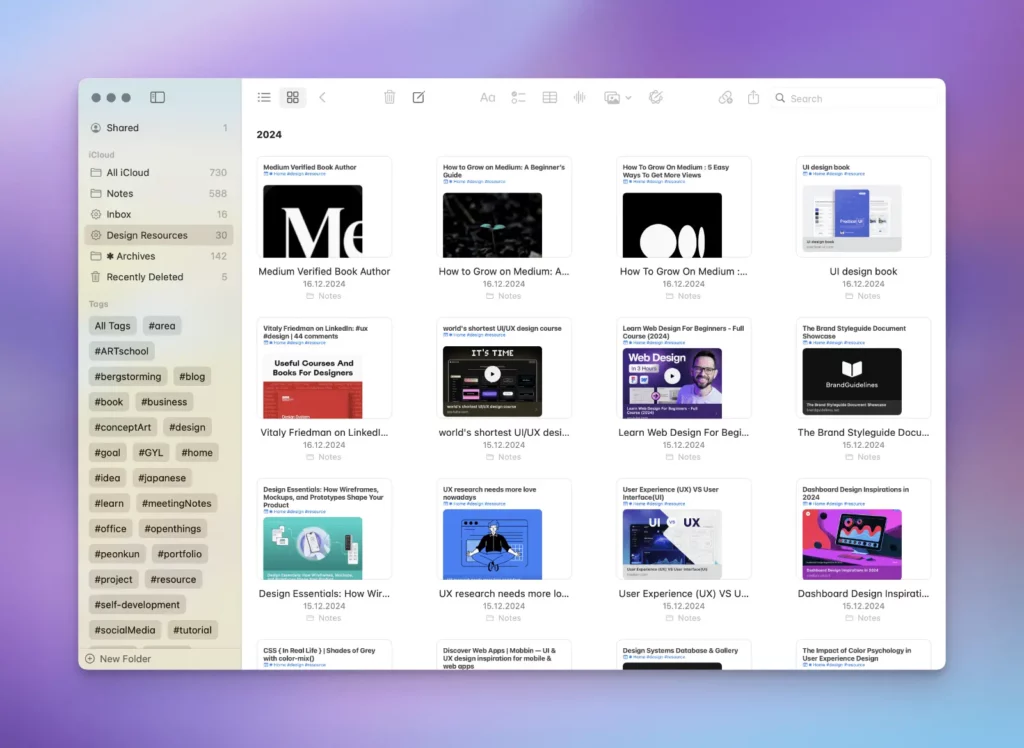
Threads
Apple Notes: Unlock Its Full Potential
Threads
Meet ProNotes for Mac — an extension that supercharges your favorite note-taking app.
Apple Calendar
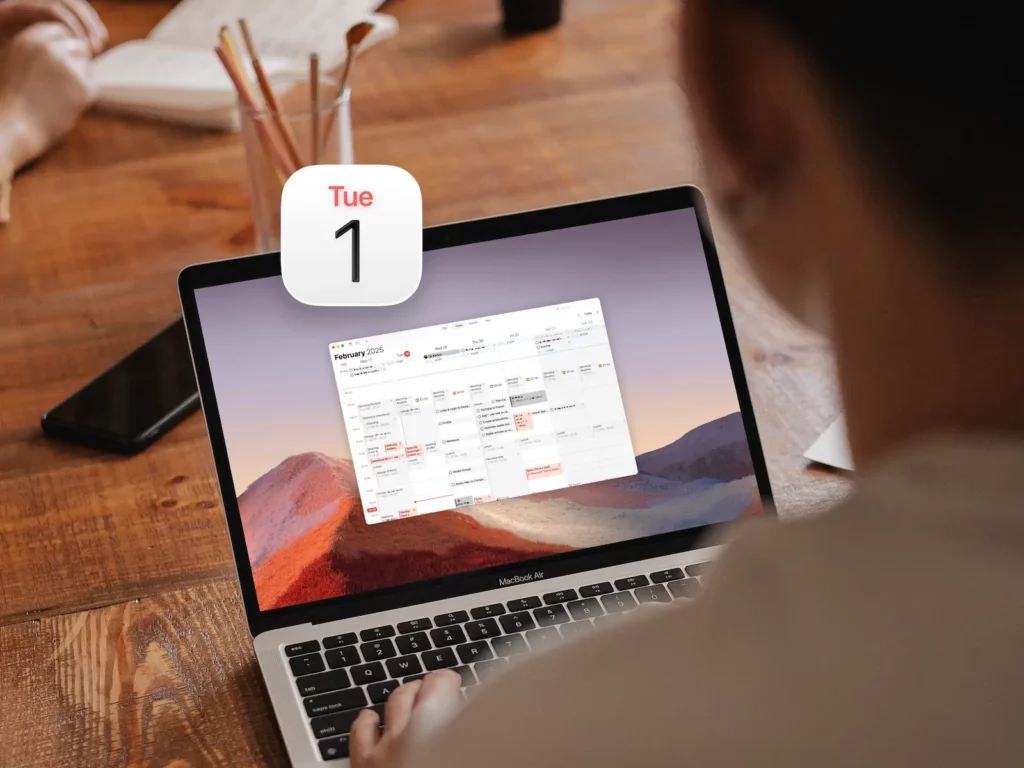
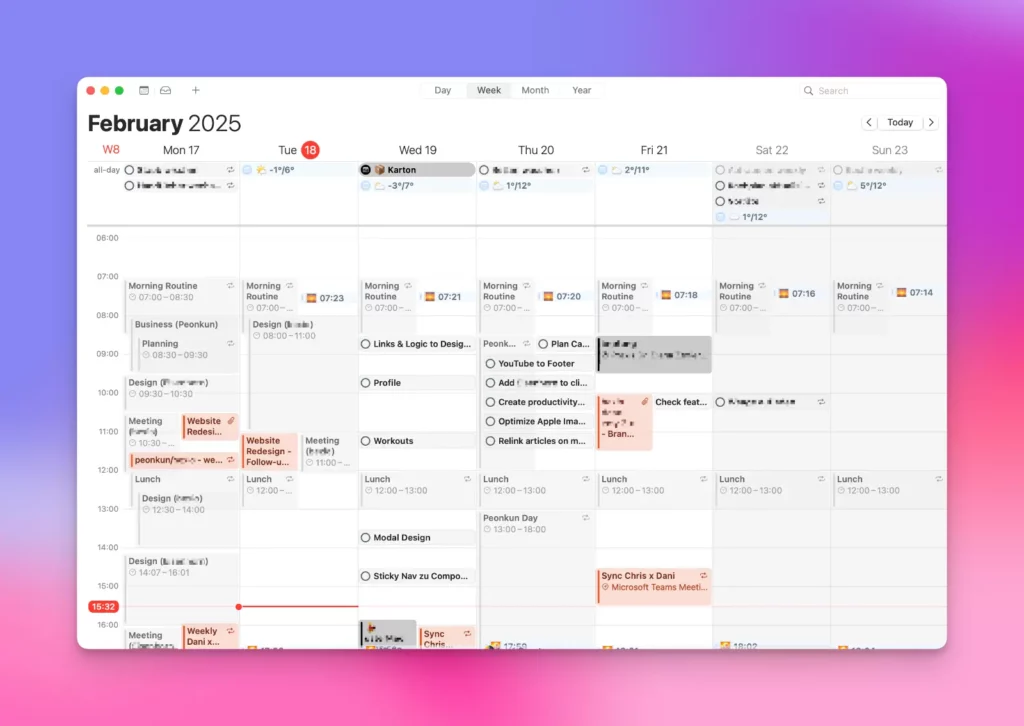
Plan your day like a pro with Apple Calendar. Master time-blocking, recurring events, and a Done-calendar for progress tracking.
Guide
Apple Calendar: The Ultimate Productivity Guide
Threads
Apple Calendar is more powerful than you think.
Apple Freeform
Visualize your ideas on an infinite canvas. Plan projects, map systems, and connect notes, tasks, and files — fully native across Mac, iPad, and iPhone.
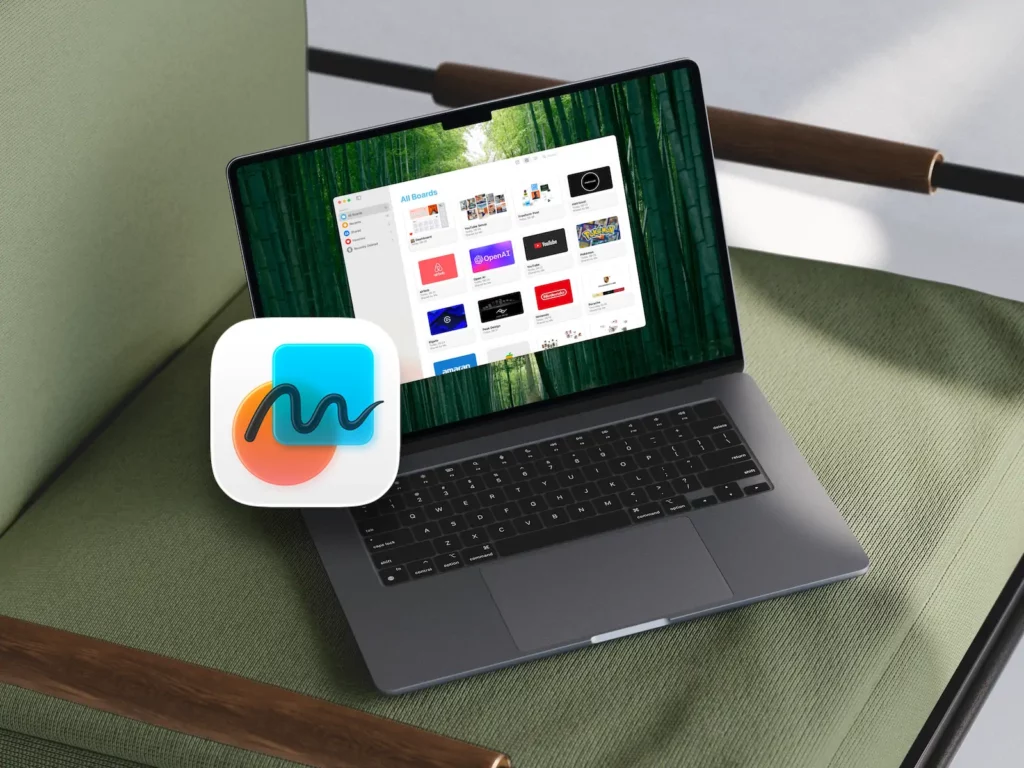
Guide
Mastering Apple Freeform: The Ultimate Power User’s Guide
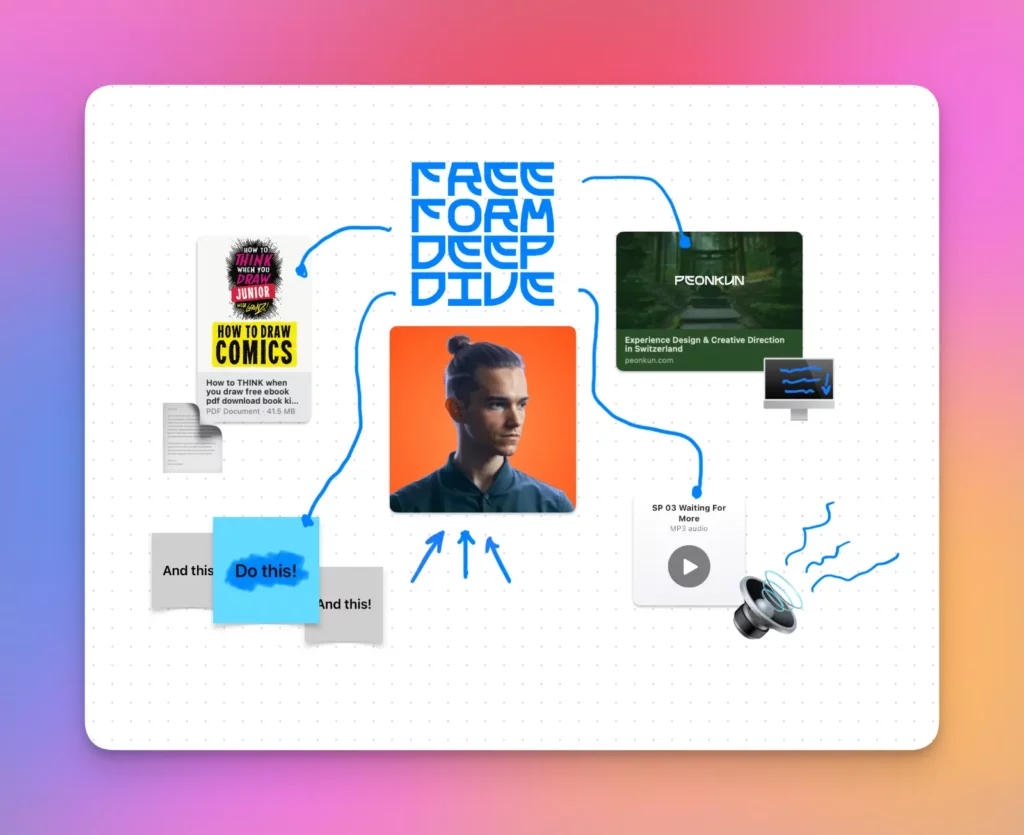
Threads
Apple Freeform: The Most Misunderstood App in the Apple Ecosystem

Apple Mail
Tame your inbox with Apple Mail. From smart mailboxes to rules and VIP lists — I’ll help you turn chaos into clarity.
Guide
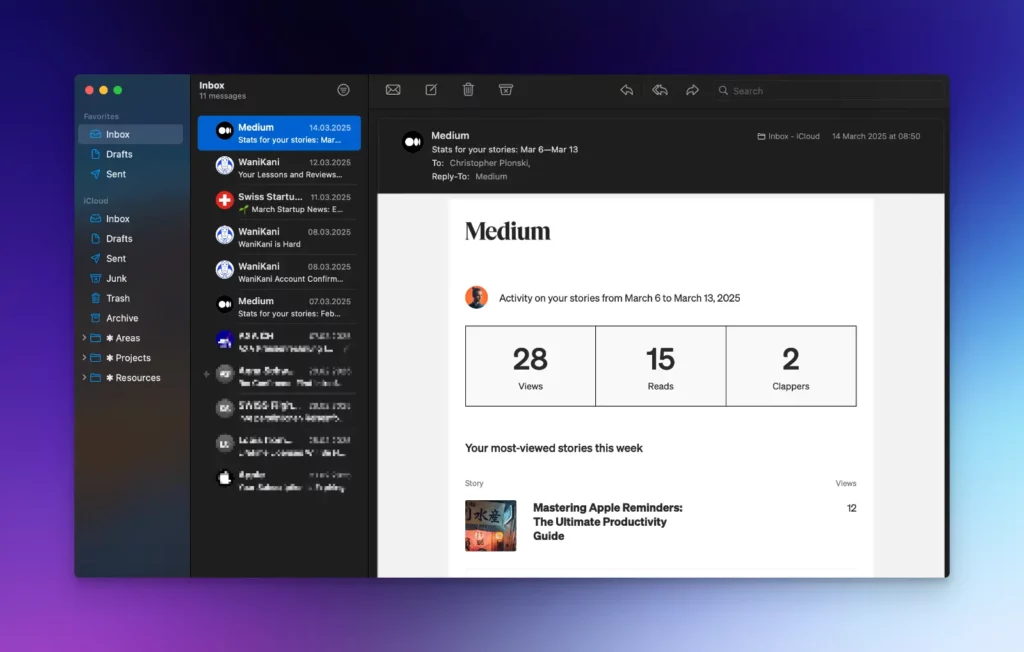
Apple Mail — The Most Underrated Productivity Tool
Threads
AppleMail: The Most Underrated Email Powerhouse (And why you might be underusing it)
Frequently Asked Questions
Are the courses free?
Yes. All courses are free on YouTube and inside our community.
Where can I watch the courses?
Every course is available on YouTube. Inside the community, you also get progress tracking, guidance, and extra resources.
Do I need any paid apps?
No. Everything runs on the native tools that come with your Apple device — no subscriptions, no hidden costs.
Can I request a topic?
Absolutely. Drop your request in the community and I’ll add it to the roadmap.
Are the courses live or pre-recorded?
All courses are pre-recorded for on-demand viewing, so you can learn at your own pace.
If you prefer live, personalised guidance, 1:1 coaching is available.
Will you cover advanced setups too?
Yes. From beginner-friendly overviews to pro-level workflows, there’s something for every Apple power user.